
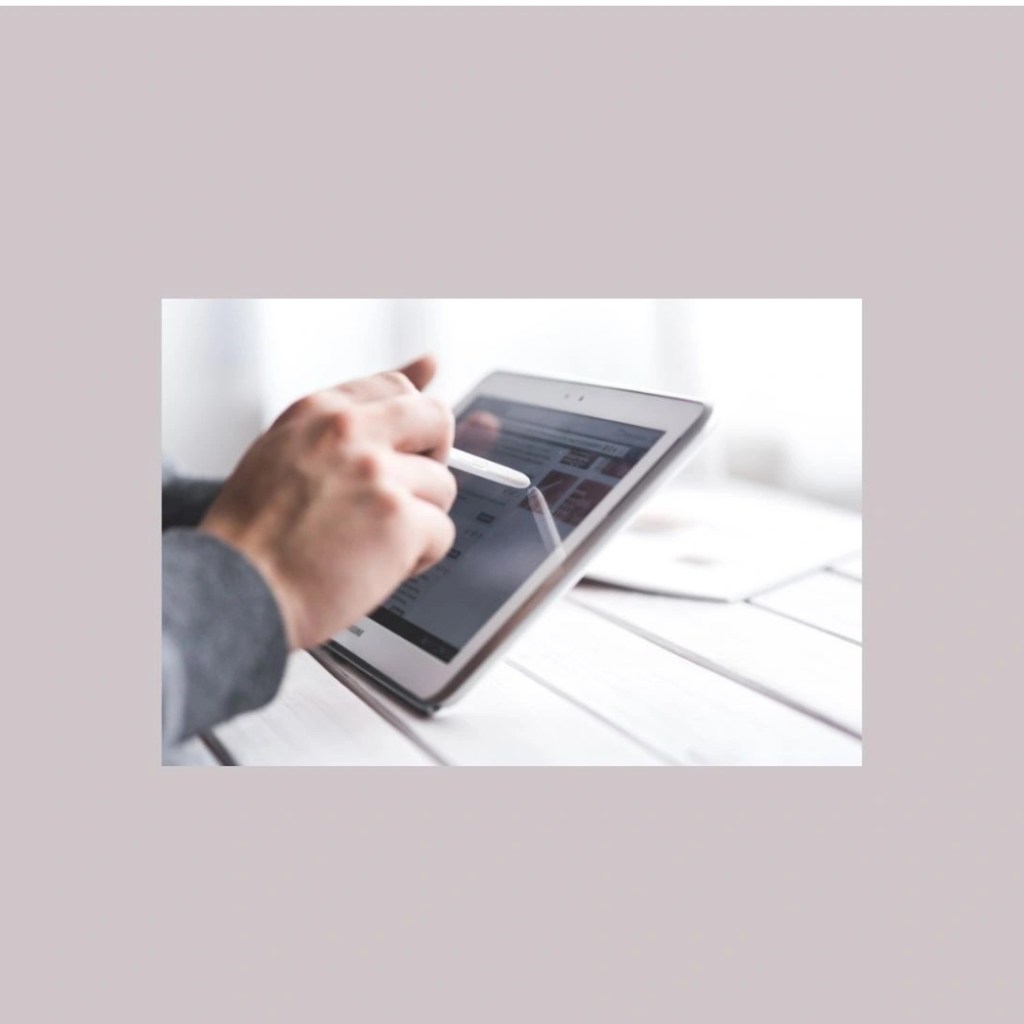
Top 4 Pen Tabs for Educators: Create Lectures from Home
A guide for teachers navigating pollution holidays and remote learning.
Mrs. Tina Tandon, a science teacher in Delhi NCR, faced endless school holidays due to choking pollution. Stuck at home without classes, she worried about her students falling behind. She contacted Educated Times for pen tab recommendations to craft interactive lectures. If pollution disrupts your teaching too, these tools are the solution.
Why Pen Tabs Transform Remote Lecture Creation
Pen tabs let educators handwrite notes, draw diagrams, and annotate slides naturally with stylus pressure sensitivity. Large screens mimic paper for biology sketches or math equations. They pair seamlessly with Google Workspace, Canva, and video apps for exporting WhatsApp-ready content. In India’s hazy winters, they ensure productivity from Noida desks.
1. iPad (11th Gen, A16 2025)
This 11-inch Liquid Retina display brings the power of the A16 chip. Apple, founded in USA in 1976, brings 49 years of innovation to your classroom.
Pros
- Standalone use with apps like GoodNotes for handwriting-to-text.
- Long battery life for full-day lectures.
- Vast App Store ecosystem for education tools.
- Portable for Delhi commutes.
Cons
- Pencil sold separately increases total cost.
- iOS limits some desktop software integration.
- 4,096 pressure levels lag behind competitors.
- Ecosystem lock-in for Apple users only.
2. XP-Pen Artist 12 Pro Graphic Tablet
This 11.9-inch full laminate screen offers 8,192 pressure levels and tilt support. XP-Pen, from China since 2005, has 20 years as a budget Wacom rival. Amazon reviews average 4.5/5 for value and low parallax.
Pros
- Affordable with superior pressure sensitivity for precise diagrams.
- USB-C connectivity to any laptop.
- Shortcut keys speed Photoshop workflows.
- Full lamination reduces parallax (gap between pen and cursor).
Cons
- Requires computer connection; no standalone mode.
- Build quality feels less premium than iPad.
- Driver setup can be finicky on Windows.
- Smaller active area than larger models.
3. Huion Kamvas 13 Pro
The 13.3-inch anti-glare screen includes a battery-free stylus and 8 shortcuts. Huion, China-based since 2011, offers 14 years of stylus tech experience. Amazon rates it 4.6/5 for color accuracy. Warranty: 2 years.
Pros
- Excellent color reproduction for lecture visuals.
- Battery-free pen never needs charging.
- Larger screen area than XP-Pen.
- Customizable express keys boost efficiency.
Cons
- Tethered to PC/Mac only.
- Stand quality could be sturdier.
- Occasional calibration issues reported.
- Heavier setup for beginners.
4. Wacom Cintiq 16
A premium 15.6-inch HD tablet with EMR stylus technology. Wacom, a Japanese pioneer since 1983, boasts 42 years of experience. Amazon 4.4/5 praises pro precision. Warranty: 2 years.
Pros
- Industry-standard accuracy and durability.
- Multi-touch gestures enhance workflow.
- Largest screen for detailed illustrations.
- Seamless software compatibility.
Cons
- High price limits accessibility.
- No standalone capability (requires PC).
- Heavier and less portable.
- Older tech compared to newer rivals.
| Feature | iPad (A16) | XP-Pen Artist 12 Pro | Huion Kamvas 13 Pro | Wacom Cintiq 16 |
|---|---|---|---|---|
| Price (₹) | 33,490 + Pencil | 25,000-30,000 | 28,000-35,000 | 60,000+ |
| Screen | 11-inch Liquid Retina | 11.9-inch laminate | 13.3-inch anti-glare | 15.6-inch HD |
| Pressure | 4,096 | 8,192 + tilt | 8,192 + tilt | 8,192 EMR |
| Standalone? | Yes | No | No | No |
| Rating | 4.7/5 | 4.5/5 | 4.6/5 | 4.4/5 |
| Warranty | 1 year | 1-2 years | 2 years | 2 years |
Conclusion
Top Pick: iPad (A16)
Its standalone versatility, education apps, and mobility beat tethered tablets for teachers like Mrs. Tina creating pollution-proof lessons from Noida or Delhi homes.
Equip your home studio today. Order now and teach uninterrupted through smog season.